Snack Stack
Table of Contents
- Snack Stack
Overview
Problem
What’s the point of a Snack Stack?
- People often forget what they have in their pantry, fridge, or spice rack
- Expired food leads to waste and wasted money
- Grocery shopping is inefficient without knowing what’s already at home
Approach
- Create a digital inventory system for pantry, fridge, freezer, and spices
- Allow users to easily add, remove, and update items
- Automatically generate shopping lists when items are low or missing
- Simple and clean interface so it’s quick to use every day
Use Case Ideas
- Before going to the store, check what items are low or expired
- While cooking, search the app to see if you have a specific ingredient
- Share the pantry list with family or roomates so everyone is synced
- Use expiration reminders to finish food before it spoils
Beyond the Basics
- Barcode scanner for quick item entry
- Recipe suggestions based on available ingredients
- Reports that show spending trends and reduce food waste
- Possible integration with smart home assistance like Alexa or Google Assistant
Deployment
Snack Stack is deployed through Vercel, taking advantage of its seamless integration with GitHub and strong support for Next.js applications. The repository’s main branch is connected directly to Vercel, which means that any changes merged into main automatically trigger a new production build. This continuous deployment pipeline ensures that the application is always up to date with the latest code.
During each deployment, Vercel installs the project dependencies, generates the Prisma client, applies any pending database migrations, and then builds the Next.js application for production. Once the build process completes, Vercel publishes the new version of the site, replacing the old one with zero downtime. This automated flow allows the team to focus on development while keeping deployment consistent and reliable.
The live site can be accessed here: Snack Stack
Continuous Integration

Team Contract
User Guide
An intro to using Snack Stack
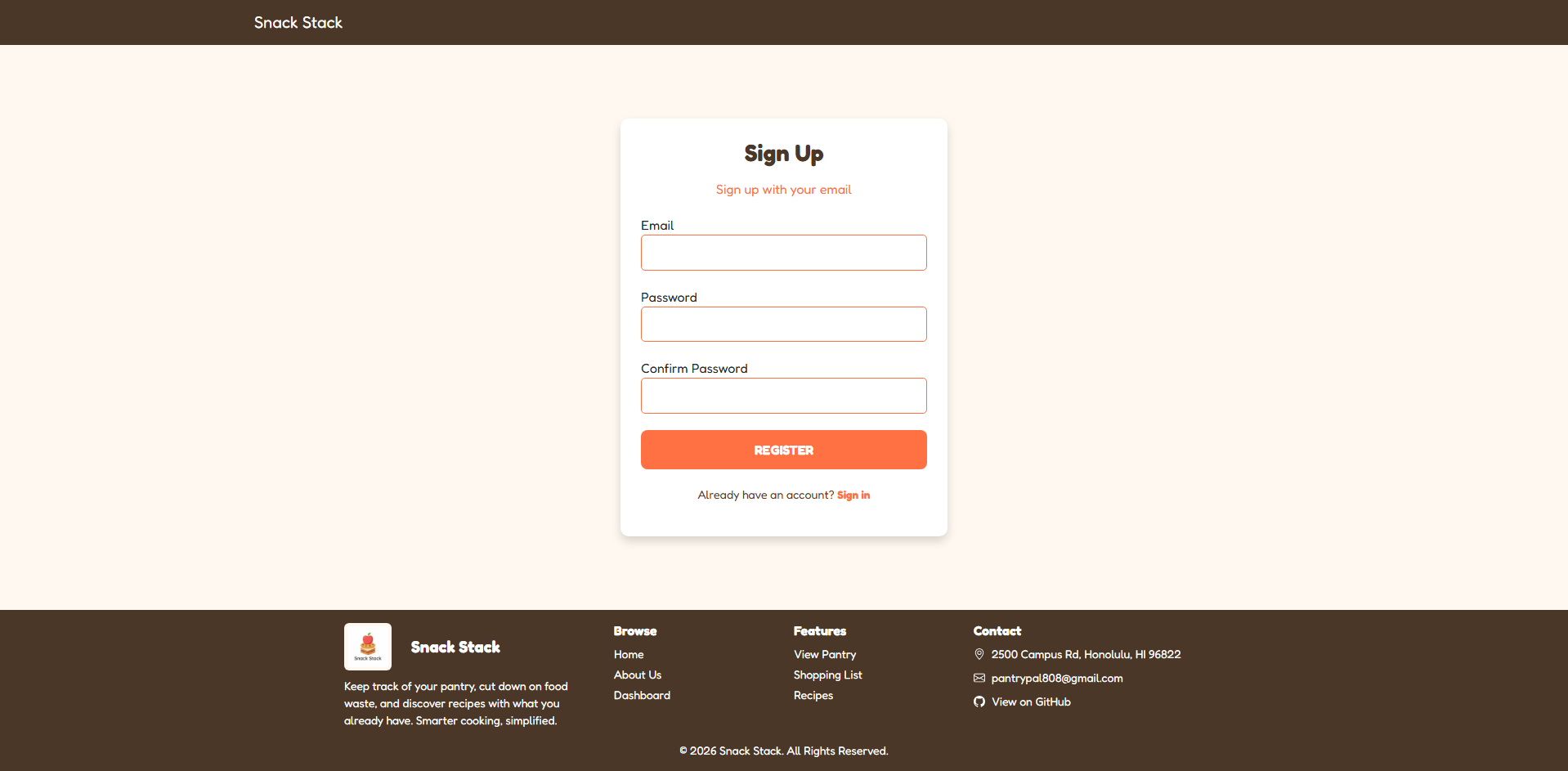
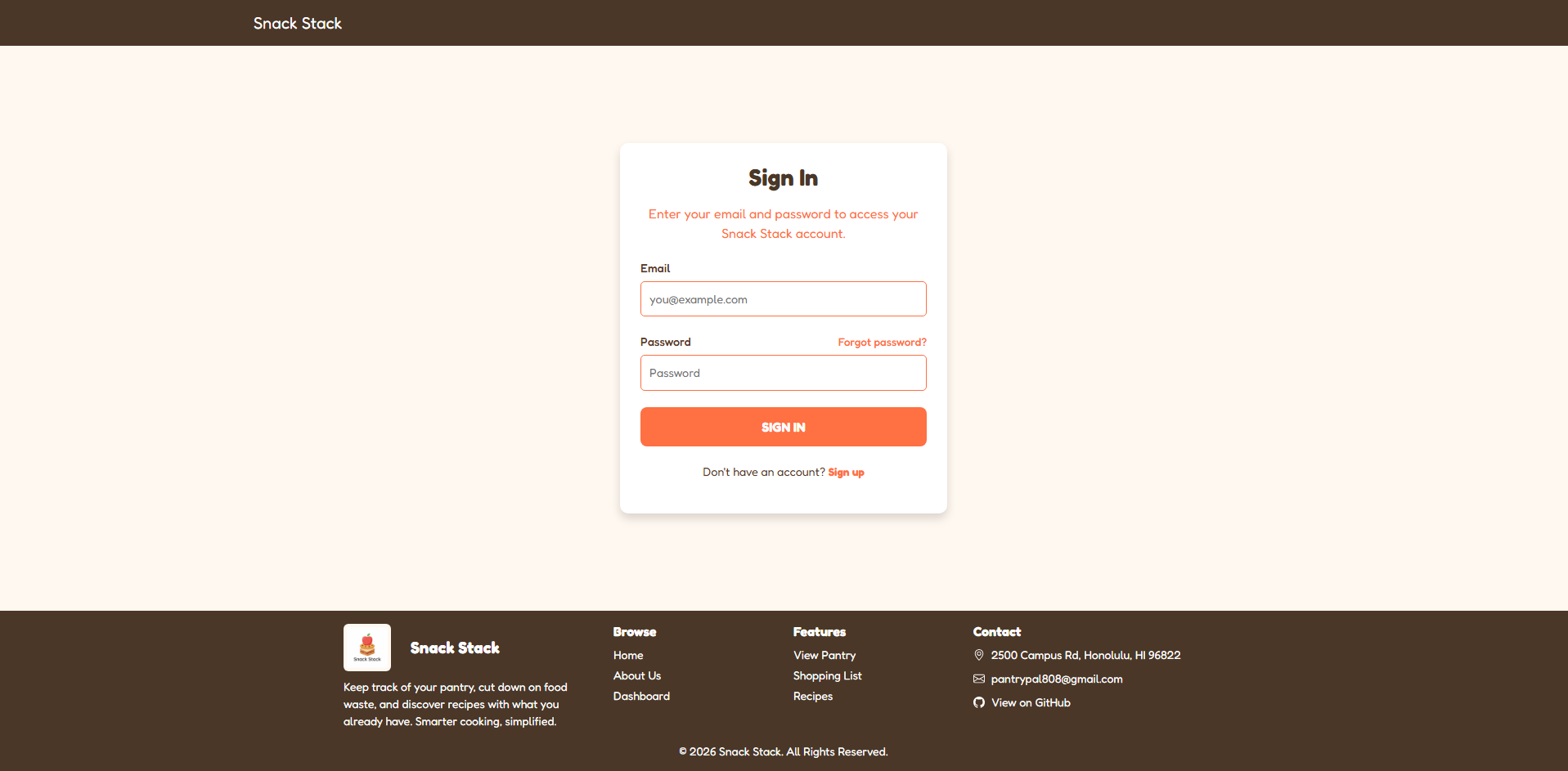
Sign in page
Sign up for Snack Stack and verify your email to sign in
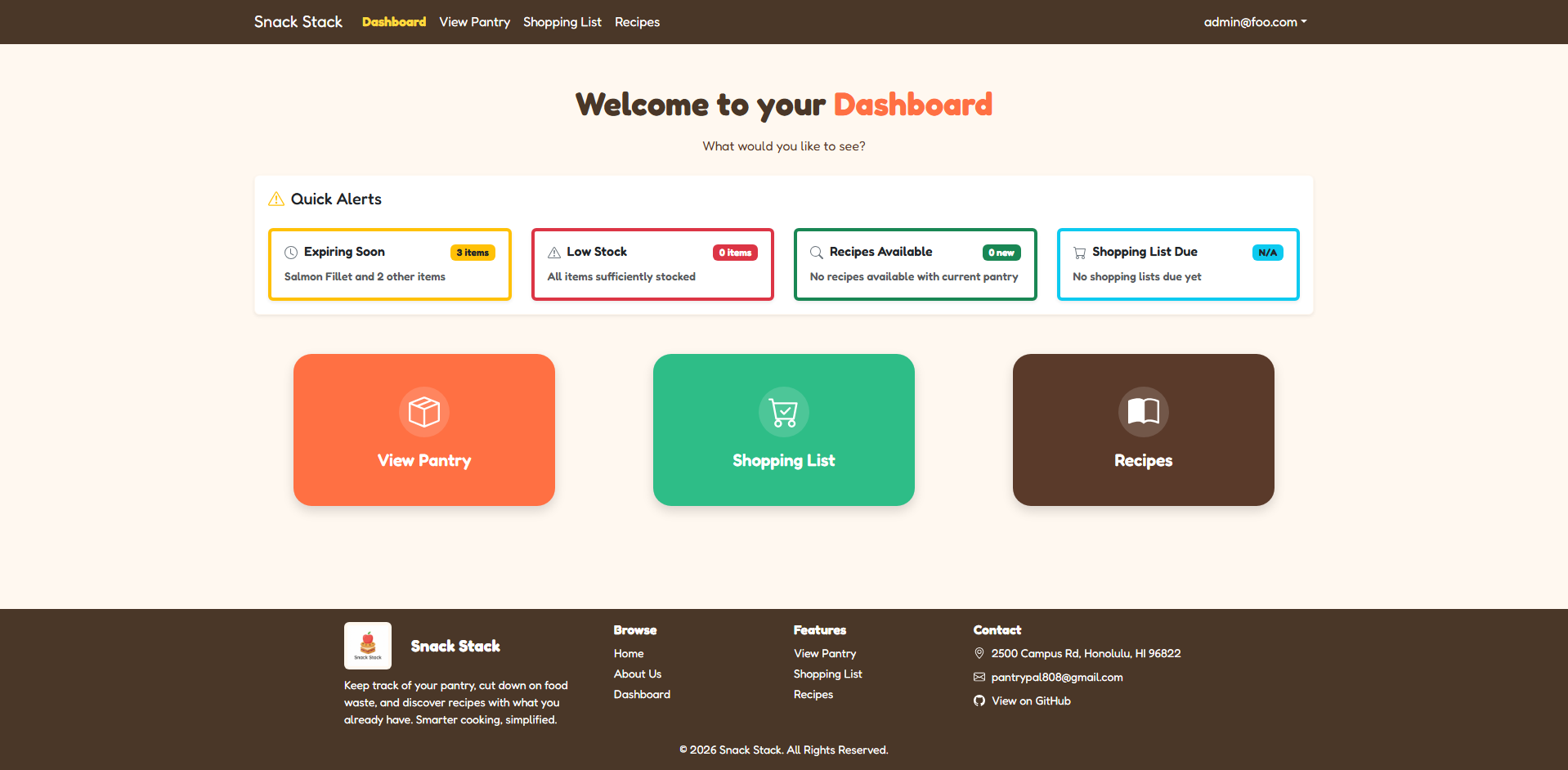
Dashboard
Users have easy access to all pages through Snack Stack’s dashboard
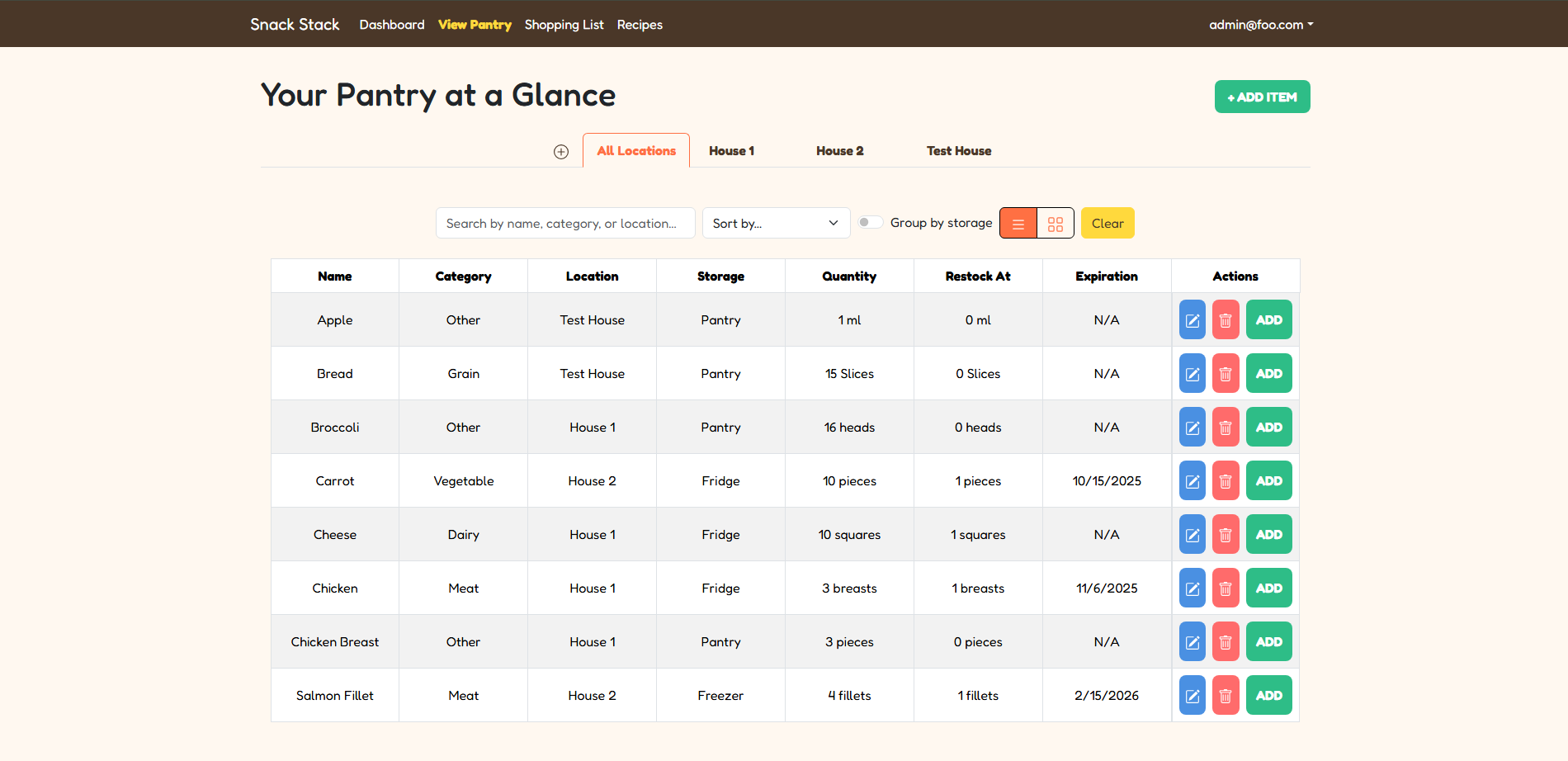
View your pantry
Snack Stack allows you to easily keep track of what ingredients you have in your household, where they are, and how much of them you have left
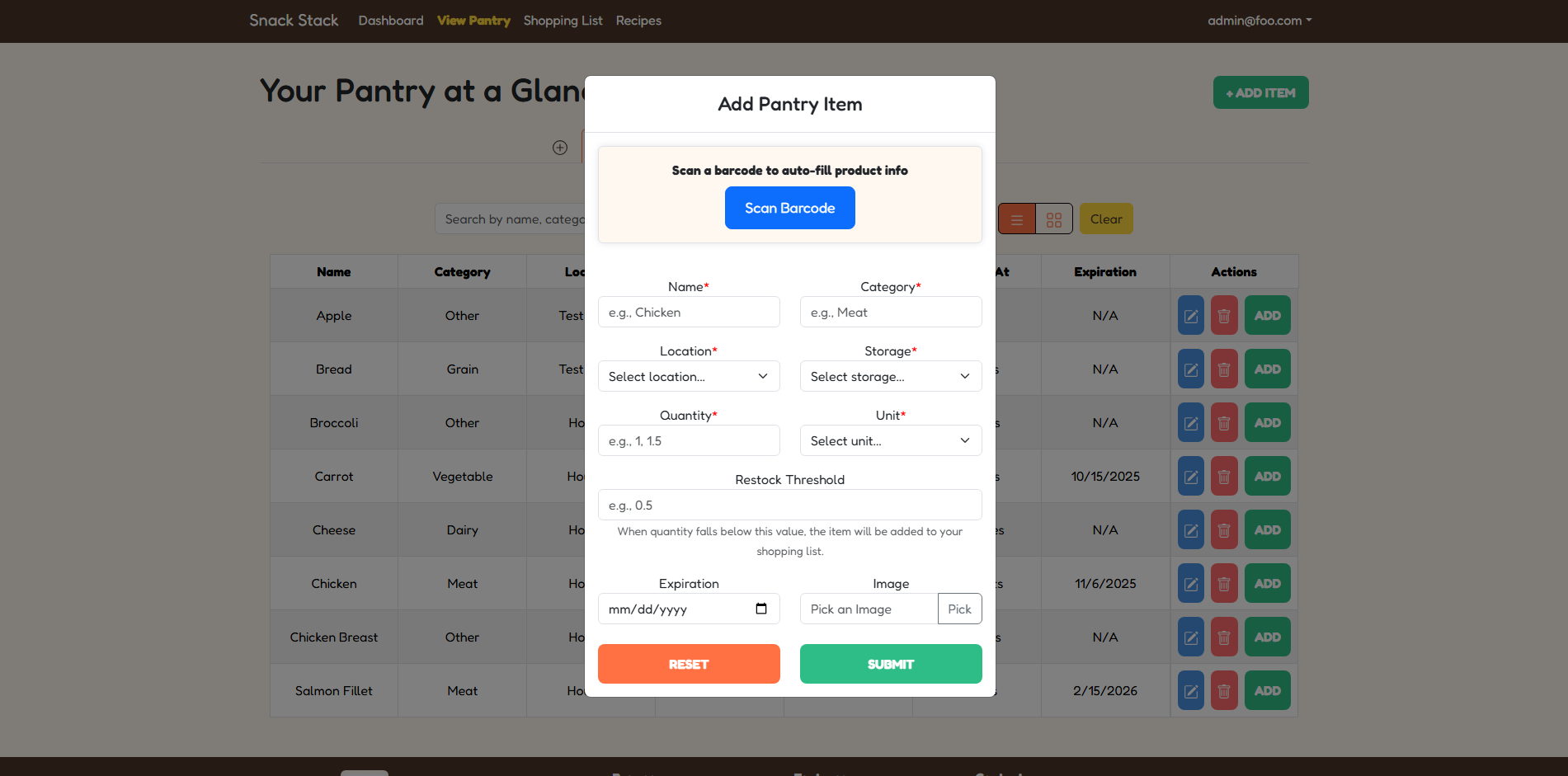
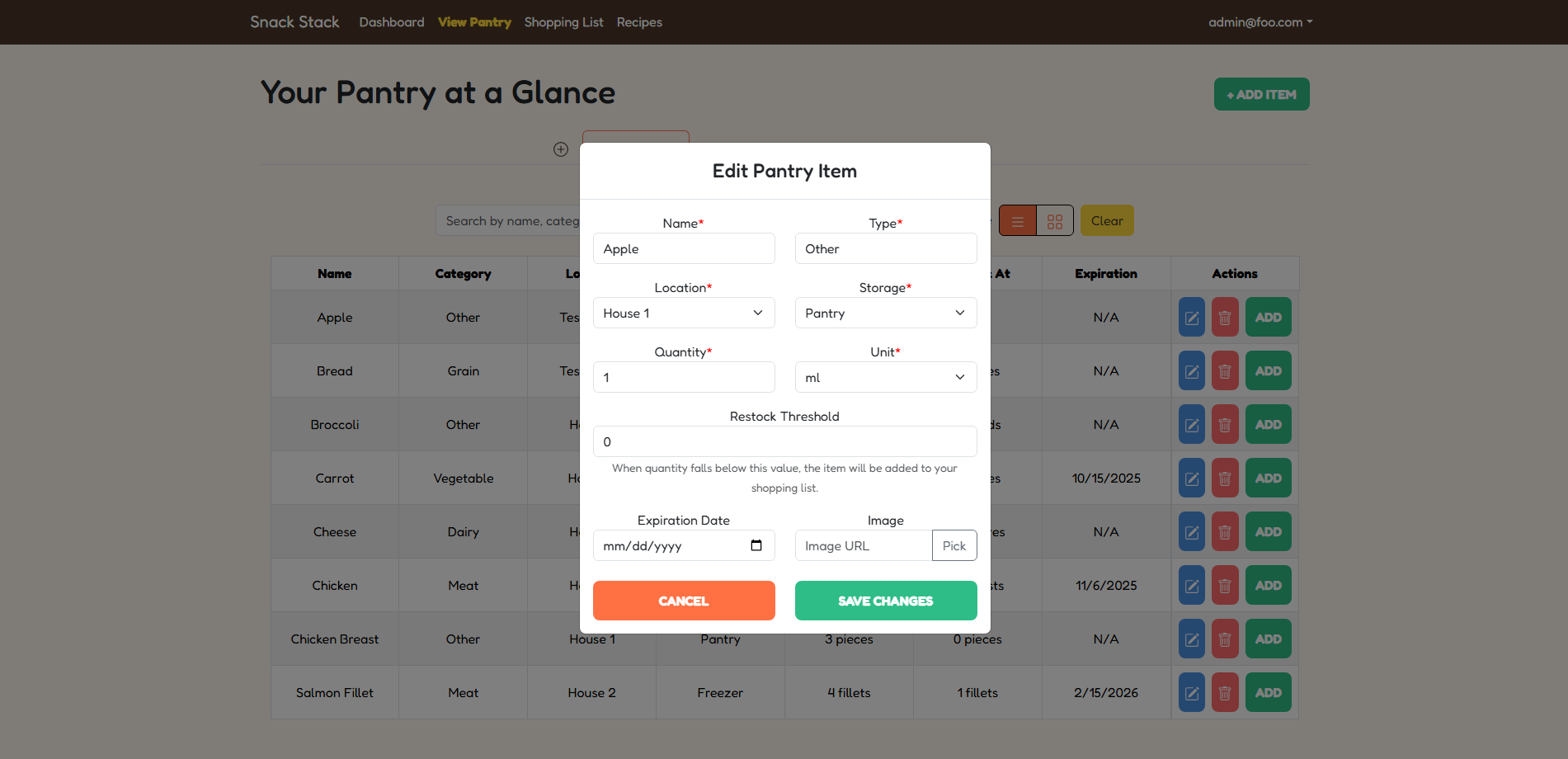
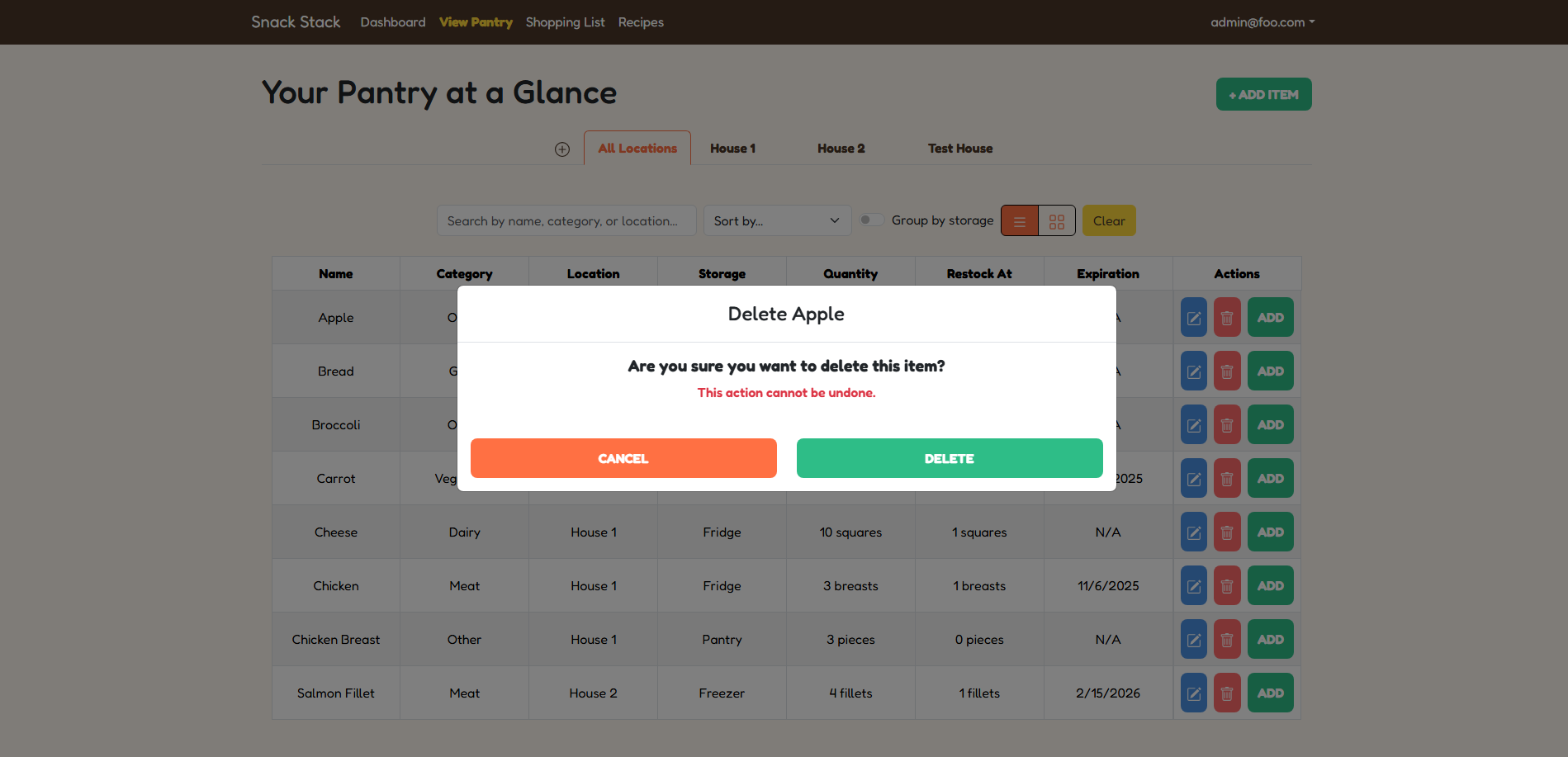
Add and Edit your pantry
Keep track of your spices and food by adding them to your pantry
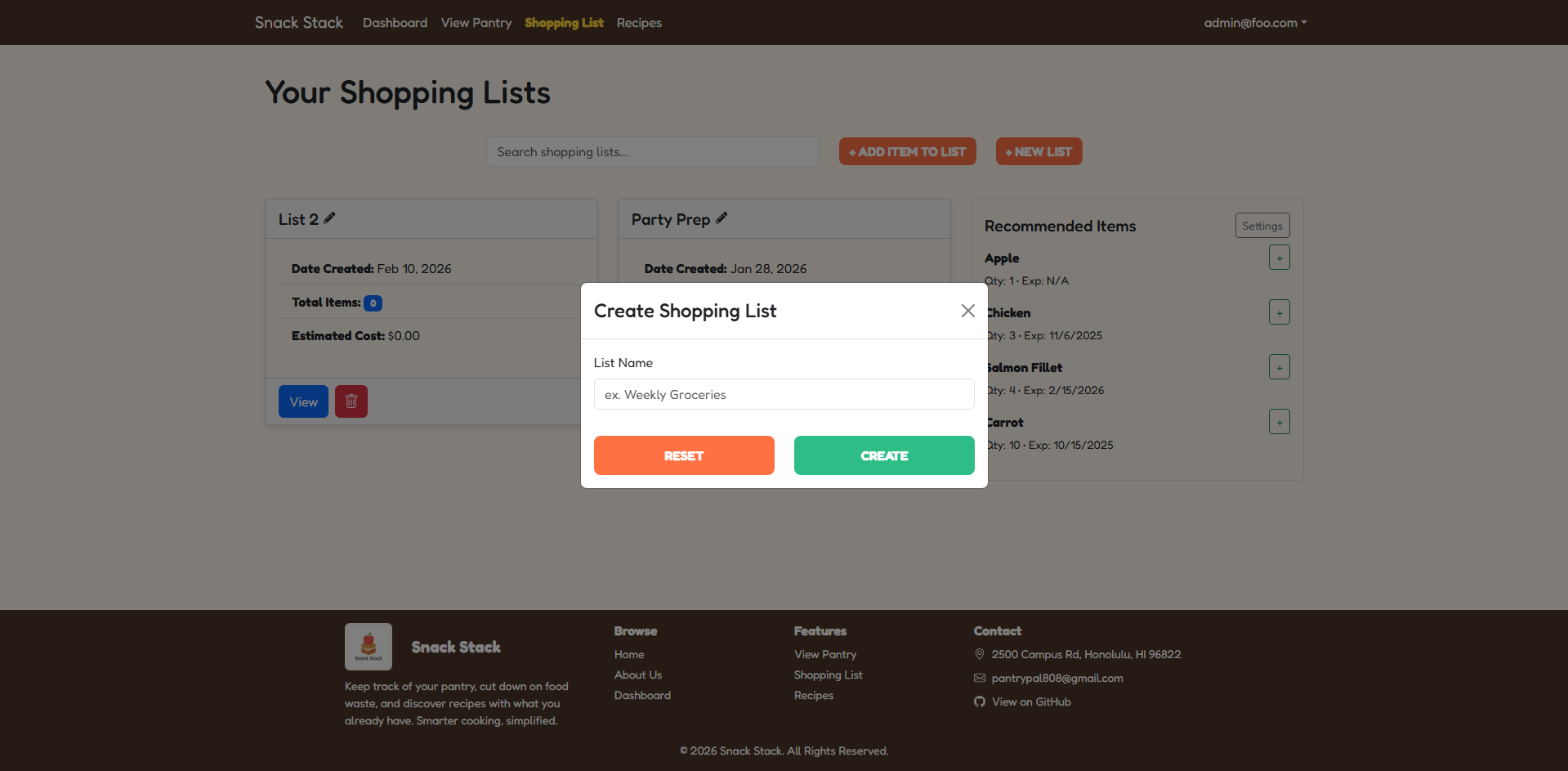
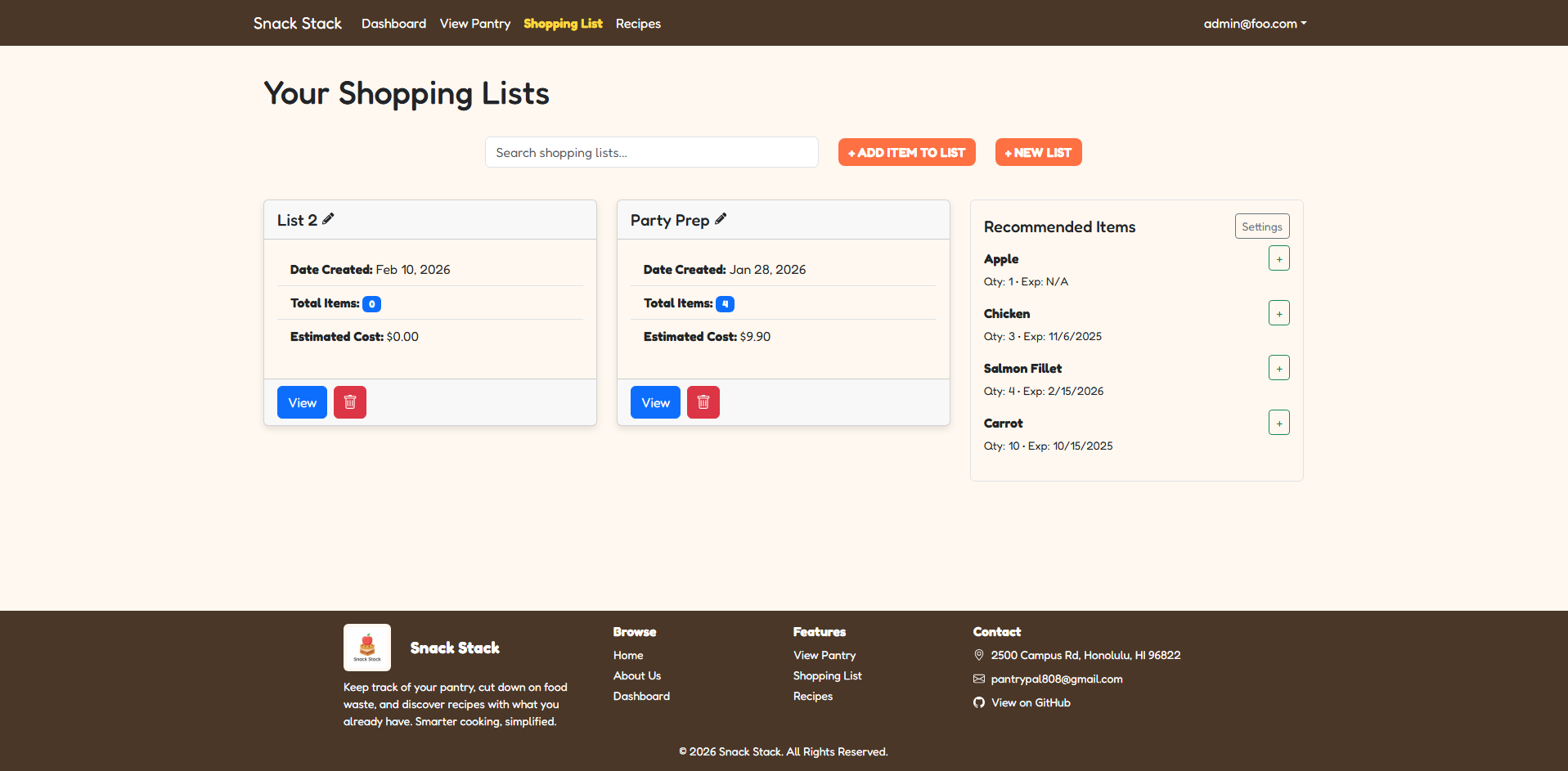
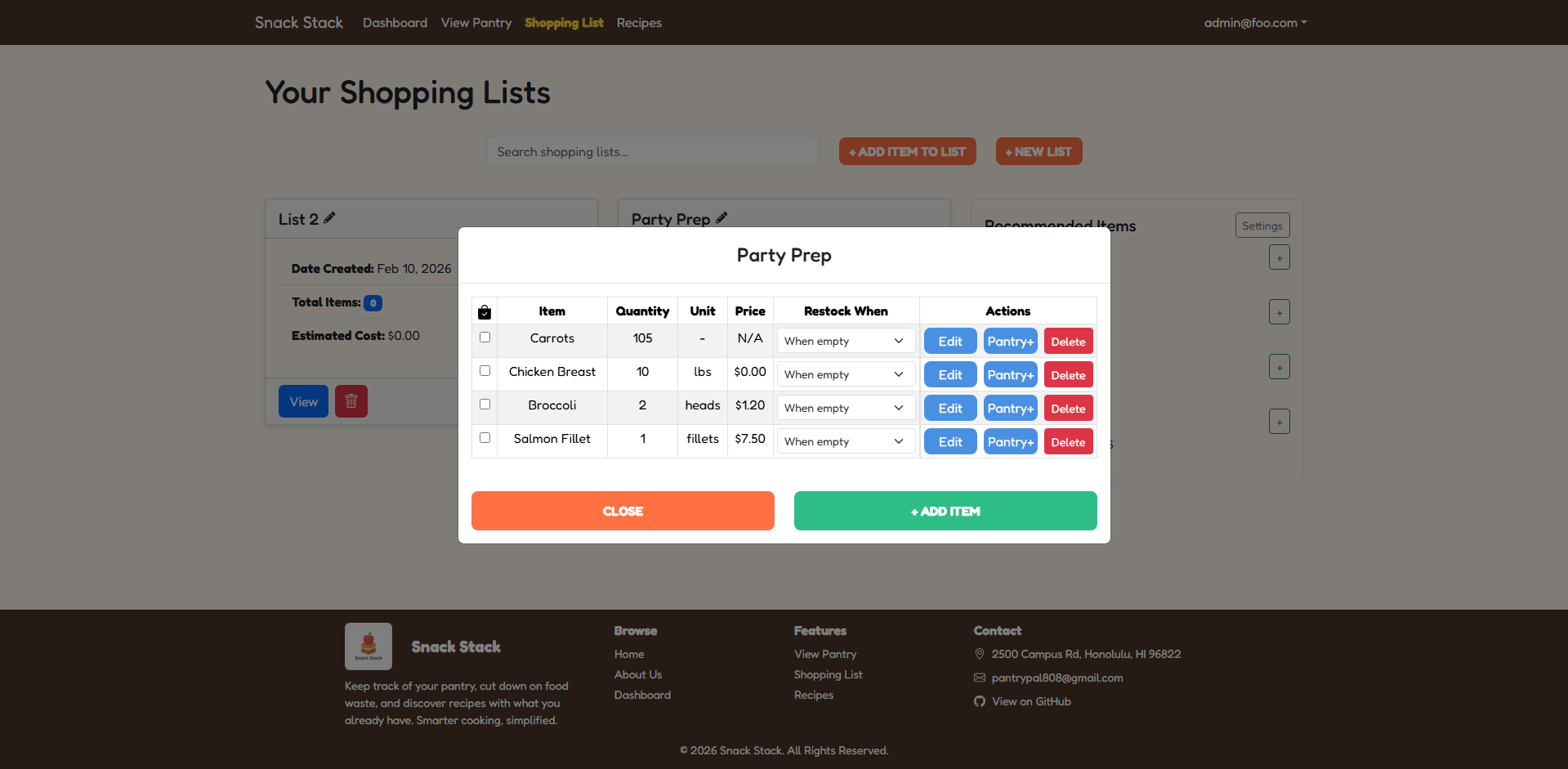
Create Shopping Lists
Easily create and manage your shopping list based on what’s running low in your pantry. Check off items as you shop to keep your inventory up to date.
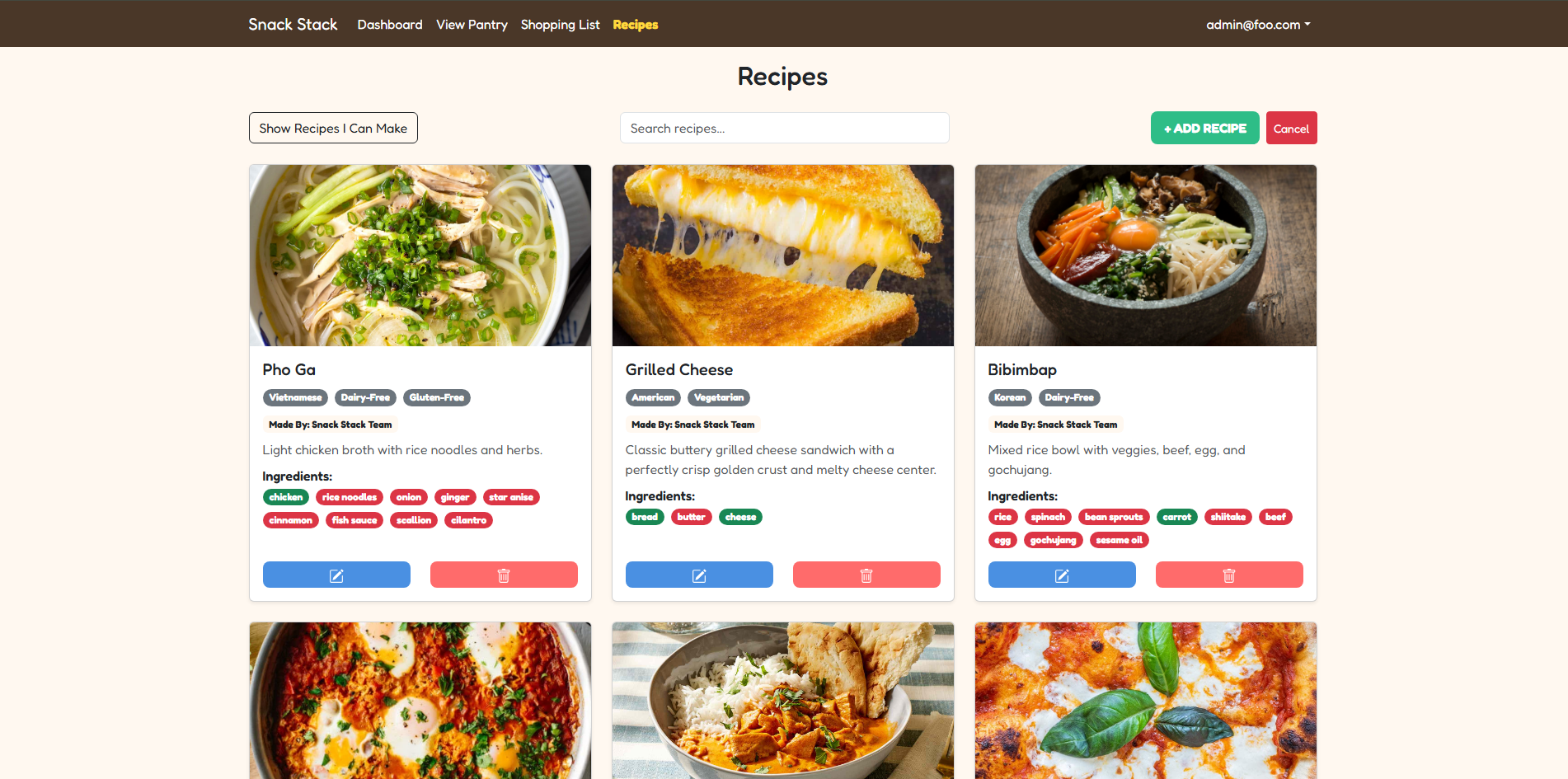
Find Recipes
Discover recipes you can make with the ingredients you already have. Snack Stack helps you reduce waste and find meal ideas tailored to your pantry.
Developer Guide
This section provides information of interest to developers wishing to use this code base as a basis for their own development tasks.
Installation
First, install Node.js
Second, visit the Snack Stack application github page, and click the “Use this template” button to create your own repository initialized with a copy of this application. Alternatively, you can download the sources as a zip file or make a fork of the repo. However you do it, download a copy of the repo to your local computer.
Third, cd into the pantry-pal directory and install libraries with:
$ npm install
Fourth, run the system with:
$ npm run dev
If all goes well, the application will appear at http://localhost:3000.
Application Design
Snack Stack is based upon the ICS Software Engineering Next.js Application Template.
Milestones
Milestone 1 Progress
Milestone 2 Progress
Milestone 3 Progress
Milestone 4 Progress
Development Team
 Justin Eugene Natividad
Cassandra Huber
Darin Wong
Justin Sumiye
Min Jun Han